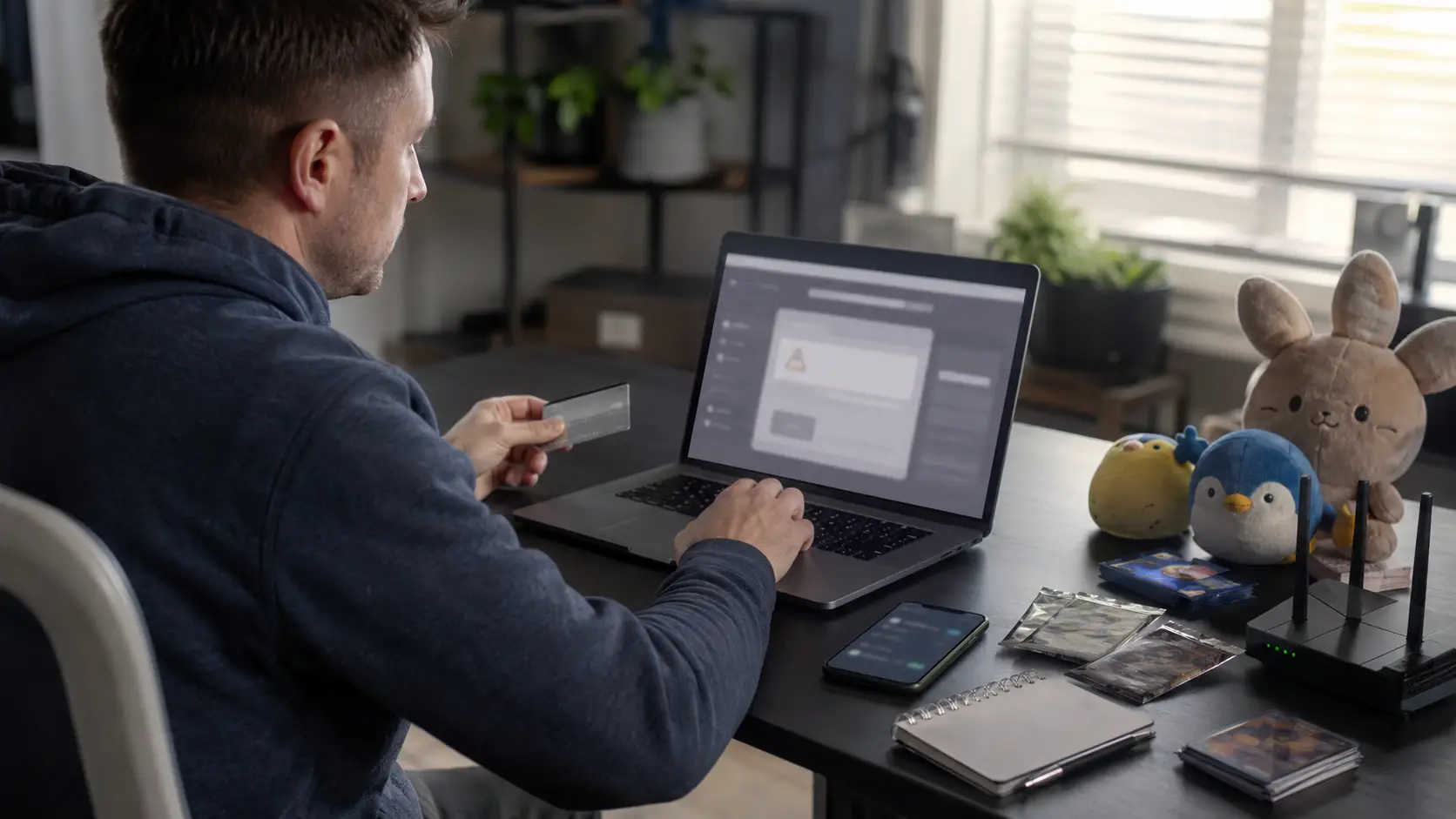
Pokemon Center Error 17 is an access or checkout-blocking message that can appear while a shopper is entering the website, waiting in the virtual queue or attempting to place an order. The exact meaning of the code has not been publicly defined, so it should not automatically be described as a permanent ban, confirmed IP block or account suspension.
The safest response is to stop repeatedly refreshing, keep only one queue tab open, disable any VPN, use the UK storefront and clear the website’s cookies and cached data. Shoppers who encounter the error after submitting payment should first look for an order number, confirmation email or account record before attempting the purchase again.
Key Highlights:
| Question | Direct Answer |
| What is Error 17? | An access or checkout error reported by shoppers |
| Is it officially defined? | No dedicated public definition has been provided |
| Is it always an IP ban? | No; that is an unconfirmed community interpretation |
| What should shoppers do first? | Stop refreshing, close extra tabs and disable VPNs |
| Can it appear after payment? | Yes, according to user reports |
| Does a pending payment confirm an order? | No; it could be a temporary authorisation hold |
| Is there a guaranteed fix? | No, because different technical or payment factors may be involved |
The important distinction is between official troubleshooting advice and community-reported workarounds. The first should be treated as reliable guidance, while the second may help diagnose a problem but cannot guarantee access or a successful order.
What Does Pokemon Center Error 17 Mean?
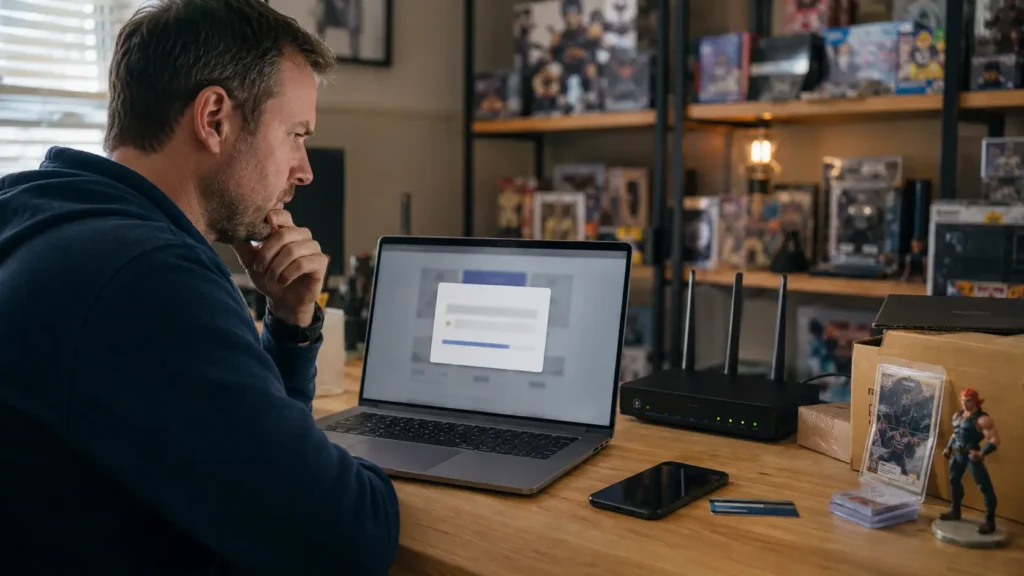
Error 17 is commonly reported as an “access denied” message that prevents a shopper from continuing through the website or checkout. Some people encounter it after joining a product queue, while others report seeing it immediately after entering card information or approving a payment.
There is no dedicated public support article defining Error 17 or confirming its precise technical trigger. Community discussions and competing guides frequently connect it with bot detection, IP reputation or unusual browsing behaviour, but these explanations remain interpretations rather than confirmed facts.
Error 17 should therefore be understood as a restriction affecting the current website request or session. The message alone does not establish whether the cause is a network condition, browser session, queue action, payment-verification failure or product restriction.
Why Does Pokemon Center Error 17 Appear?
Several actions or checkout conditions may contribute to Error 17, although no single cause has been officially assigned to the code.
Possible Causes:
- Repeatedly refreshing the queue or product page.
- Opening the website in several browser tabs.
- Using alternative links or attempting to bypass the queue.
- Shopping through a VPN or proxy connection.
- Using cookies or cached data from an outdated session.
- Accessing the wrong regional storefront.
- Exceeding a product purchase limit.
- Combining preorder and non-preorder products.
- Entering billing details that do not match bank records.
- Making several rapid checkout attempts.
- Encountering a browser, device or payment-verification error.
Official guidance confirms that multiple tabs, alternative links and attempted queue workarounds can cause additional technical errors. It also identifies VPN use, inaccurate addresses, purchase limits and mixed product types as conditions shoppers should correct.
None of those conditions proves why a particular shopper received Error 17. The most reliable approach is to test each relevant factor calmly rather than assuming the account or internet connection has been permanently blocked.
Is Pokemon Center Error 17 Affecting UK Shoppers Right Now?

Latest Official Status
The current official UK known-issues page lists no recognised UK-wide problem. That means Error 17 is not currently presented as a confirmed national outage, although individual shoppers may still experience isolated access or checkout failures.
An empty known-issues list does not prove that every customer can complete a purchase. Status pages normally cover acknowledged widespread faults rather than every browser, account, network or payment problem.
What Are UK Shoppers Reporting?
Community discussions contain reports of Error 17 appearing during queues, on the homepage and after payment information was submitted. Some users said changing from Wi-Fi to mobile data helped temporarily, while others received the same message across several devices and connections.
These reports show that the error can affect genuine shoppers, but they cannot establish the underlying cause or current scale of the problem. Reddit posts should be treated as first-hand anecdotes, not technical confirmation.
Isolated Reports Versus a Wider Outage
A shopper can determine whether the problem appears isolated by checking whether the homepage loads, whether another product opens and whether the error occurs in a clean browser session. The shopper can also review the known-issues page and look for multiple recent UK reports describing the same behaviour.
When only one device, basket or payment method is affected, local troubleshooting is more useful than assuming a site-wide outage. When several unrelated users report the same error simultaneously, a wider technical problem becomes more plausible but still requires official confirmation.
How Can Pokemon Center Error 17 Be Fixed Using Official Steps?
The recommended fix is a controlled reset of the browsing and checkout session. Shoppers should avoid aggressive retrying because each new request may reproduce the same condition.
Which Official Troubleshooting Steps Should Shoppers Try First?
- Stop refreshing or repeatedly pressing the checkout button.
- Keep only one queue or shopping tab open.
- Remain on the queue page until redirected automatically.
- Confirm that the UK regional storefront is selected.
- Disable any VPN or proxy service.
- Clear cookies and cached data for the website.
- Restart the browser and sign in again.
- Review the product purchase limit.
- Separate preorder and non-preorder items.
- Confirm that the billing and shipping addresses are accurate.
- Try another browser, device or valid payment method.
- Check whether an order already exists before retrying payment.
The official queue statement is clear: “Do not refresh your browser or move away from the page.” It also warns that multiple tabs, alternative links and workarounds will not bypass the queue and may cause other technical errors.
Evidence Guide
| Action | Evidence Level |
| Disable a VPN | Officially recommended |
| Avoid repeated refreshing | Officially recommended |
| Keep one queue tab open | Officially recommended |
| Clear cookies and cache | Officially recommended |
| Verify billing details | Officially recommended |
| Separate preorder products | Officially recommended |
| Switch between Wi-Fi and mobile data | Community-reported |
| Restart a router for a new IP address | Community-reported |
| Use another VPN location | Not recommended |
No official waiting period guarantees that Error 17 will disappear. Shoppers should pause between attempts and complete the supported checks instead of relying on claims that the restriction always clears after a particular number of minutes.
What Should Shoppers Do If Error 17 Appears at Checkout?
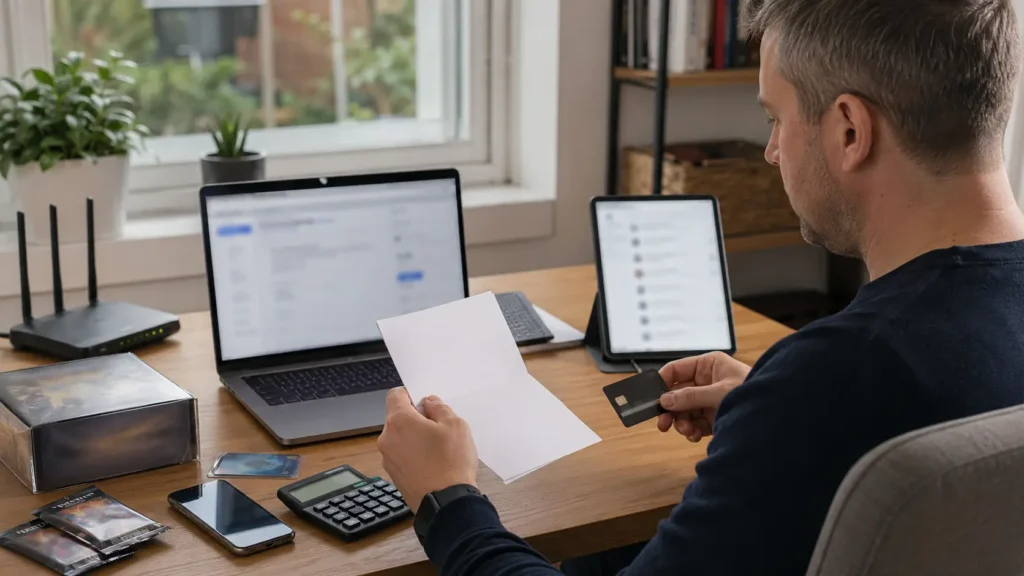
Checkout and Cart Checks
A checkout error can result from more than website access. The published official checkout troubleshooting guidance says ordering errors commonly occur when the billing system cannot verify the selected payment method.
The billing address should match the information held by the card issuer. Shoppers should also check the cardholder name, email address, delivery details, available funds, currency-related costs and product limits.
A basket containing unavailable items or both preorder and non-preorder products may also fail. Removing old items and placing different product types in separate orders can reduce avoidable checkout conflicts.
Was the Order Actually Placed?
After Error 17 appears, the shopper should look for an order number, confirmation page, confirmation email and order entry within the account. A pending bank transaction by itself does not confirm that an order was completed.
The same basket should not be submitted again until those checks are complete. Repeating payment too quickly could create another authorisation request or, if the first order succeeded, an unwanted duplicate order.
Can Switching Browsers, Devices or Networks Fix Error 17?
Trying another browser or device is a recognised general checkout step, particularly when corrupted cookies, extensions or a broken session may be involved. A private window may also help after the website’s stored data has been cleared.
Switching between Wi-Fi and mobile data is different. Some community users report that it restored access, while others continued to see Error 17 on both connections, making it a diagnostic test rather than a dependable fix.
Changing devices or networks during an active queue may also cause the shopper to lose the existing session. It is safer to leave the original queue page open and test a different setup only after the current attempt has clearly failed.
A VPN should not be used as a network workaround. Official guidance specifically tells shoppers to refrain from using one when resolving technical issues.
What Happens If Payment Is Pending After Error 17?

Authorisation Holds Explained
A pending card entry may be an authorisation hold: a temporary reservation used to verify that sufficient funds are available. The official authorisation hold guidance says these holds should normally disappear after five to seven business days but may remain for up to 30 days, depending on the financial institution.
An authorisation hold is not the same as a completed charge. Published payment guidance states that the selected payment method is charged when the order ships.
When Should the Shopper Contact Their Bank?
The card issuer should be contacted when a hold remains beyond the stated maximum period, several pending entries appear or a completed charge exists without a confirmed order. The bank can explain whether a transaction is pending, reversed or completed.
Support cannot modify or remove a bank authorisation hold. Transaction-specific decisions remain with the financial institution.
Avoiding Duplicate Orders
Before paying again, shoppers should inspect their account, inbox, spam folder and banking app. They should record any order number or payment reference while avoiding screenshots that expose complete card details.
If an order cannot be confirmed, support should be given the time of the attempt, product, error message and payment status. This creates a clearer record without risking another immediate transaction.
Can Pokemon Center Support Help With Error 17?
Support may assist with unclear order status, missing confirmation emails, billing concerns, account problems and unexpected transactions. UK customers can use 24-hour chat or submit an email ticket, for which a response is typically expected within 24 hours, although delays may occur; telephone support is not offered.
Virtual queue problems are treated differently. The official position states that support agents cannot help with queue questions or queue issues, and such enquiries may be closed without a response.
A useful support request should include the exact error wording, time of occurrence, product, browser, device, checkout stage and any order number. Sensitive card information, passwords and full security codes should never be included.
How Can Shoppers Prevent Pokemon Center Error 17 During Future Drops?
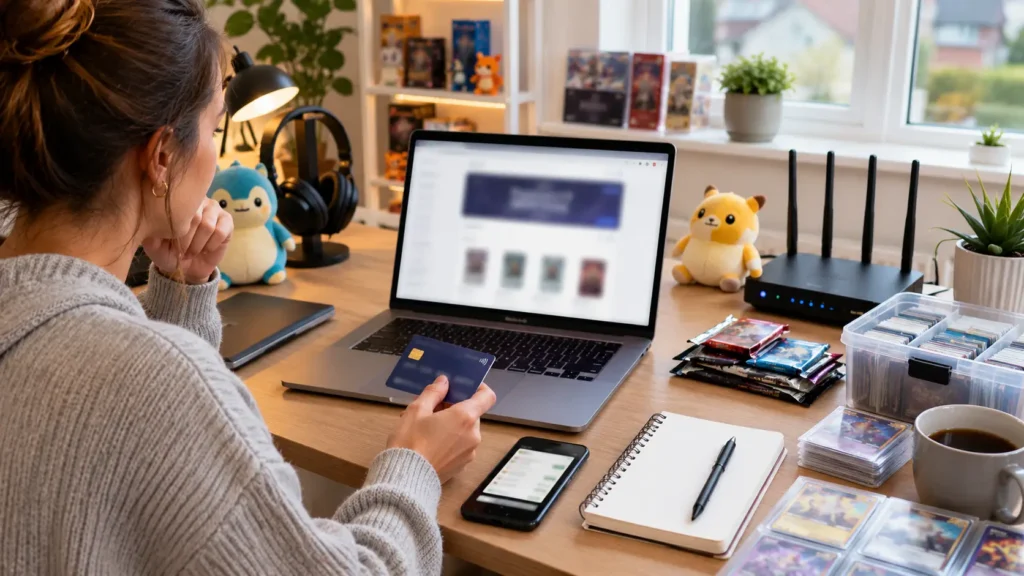
Preparation cannot guarantee stock, but it can reduce session, payment and basket problems during busy Pokémon TCG releases.
Pre-Drop Checklist
- Sign in before a high-demand product becomes available.
- Check saved billing and delivery information.
- Use the correct UK regional storefront.
- Disable VPNs and proxy services.
- Keep one browser tab open.
- Avoid repeated page refreshing.
- Use a stable internet connection.
- Review the product purchase limit.
- Remove unavailable products from the basket.
- Separate preorders from in-stock items.
- Prepare a valid alternative payment method.
- Wait for confirmation before repeating a payment.
- Check known issues before assuming a permanent restriction.
Queue access does not guarantee that a limited product will remain available. Shoppers should follow the normal queue process and avoid alternative links or bypass attempts, which may generate further technical errors.
Conclusion
Pokemon Center Error 17 is a reported access or checkout restriction, but its exact technical meaning has not been publicly confirmed. Descriptions such as “IP ban” or “bot-detection block” should therefore be treated as community interpretations rather than established facts.
The best Pokemon Center Error 17 fix is to use one tab, stop refreshing, disable VPNs, clear website data, verify regional and payment details and check whether an order exists before trying again. Network switching may help diagnose an isolated problem, but official troubleshooting should remain the first priority.
Frequently Asked Questions
Is Pokemon Center Error 17 the Same as Error 15?
Community guides generally associate Error 15 with login or access problems and Error 17 with checkout or queue restrictions. Neither distinction has been confirmed through a detailed official definition.
How Long Should a Shopper Wait Before Trying Again?
No official Error 17 waiting period has been published. A shopper should pause long enough to clear the browser session and complete the recommended checks rather than repeatedly retrying.
Does Clearing Cookies Remove Account Details?
Clearing cookies normally signs the shopper out and removes locally stored website-session data. It does not delete the account, order history or information held on the account’s servers.
Can Error 17 Appear Only for One Product?
Yes, a problem may appear around one high-demand product, basket configuration or purchase limit. That does not necessarily mean the whole website or account is unavailable.
Will Creating a New Account Solve the Problem?
Creating another account is not an official Error 17 fix. It may also complicate regional credentials, saved orders and product-limit compliance.
Why Does the Website Work Until Payment Is Submitted?
Checkout introduces billing verification, address matching, product restrictions and payment authorisation. A session that works while browsing may therefore fail only when the order is submitted.
Can a Shopper Lose Their Queue Position While Troubleshooting?
Refreshing, closing the window or moving to another setup may interrupt the active queue session. The official instruction is to keep the queue window open and wait for automatic redirection.
Note: Error 17 has no dedicated official public definition. This article separates confirmed troubleshooting guidance from community reports and does not present IP bans, bot flags or network resets as proven causes or guaranteed fixes.