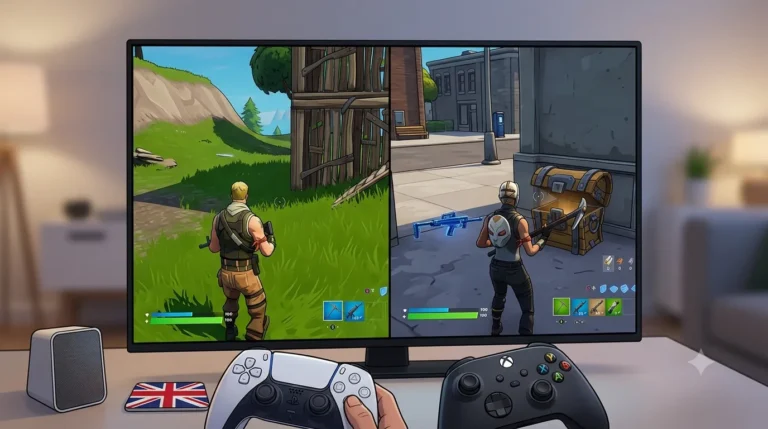

FPS games unblocked give players quick access to first-person shooting action directly through a web browser, without needing large downloads or complicated installations.
These games focus on aiming, movement, weapons, reaction speed and competitive combat, with options ranging from fast arcade shooters to tactical multiplayer battles. Many also include different maps, game modes and weapon choices.
Below, we have listed 10 popular FPS games unblocked that offer varied shooting experiences for players who enjoy fast-paced browser gaming.
What Are FPS Games Unblocked?
FPS games unblocked are browser-based first-person shooter games that can often be played directly without installing large game files or dedicated launchers.
The term FPS stands for first-person shooter, which means the action is shown from the player’s point of view. Instead of seeing the character from behind, players normally see the weapon and environment directly in front of them.
Most FPS games focus on a combination of:
- Accurate aiming
- Fast movement
- Weapon selection
- Reaction speed
- Map awareness
- Enemy positioning
- Team or objective-based gameplay
Browser FPS games are usually more lightweight than major PC or console shooters, but many still include familiar features such as multiplayer matches, different weapons, team battles, survival modes and competitive scoring.
How Do FPS Games Unblocked Work?
Most unblocked FPS games run directly inside a web browser using modern browser technology. Players usually only need a keyboard and mouse to start playing.
The basic gameplay loop is normally simple: enter a match or level, move through the environment, locate opponents and use the available weapons to complete the objective.
Some games focus entirely on multiplayer combat, while others include computer-controlled enemies, zombie survival or single-player challenges.
The exact experience depends on the game. Fast arcade shooters may reward constant movement, while tactical FPS games can place more importance on cover, positioning and careful aiming.
Below are 10 FPS games unblocked that offer different styles of first-person shooting gameplay.
Top 10 FPS Unblocked Games
1. Krunker.io
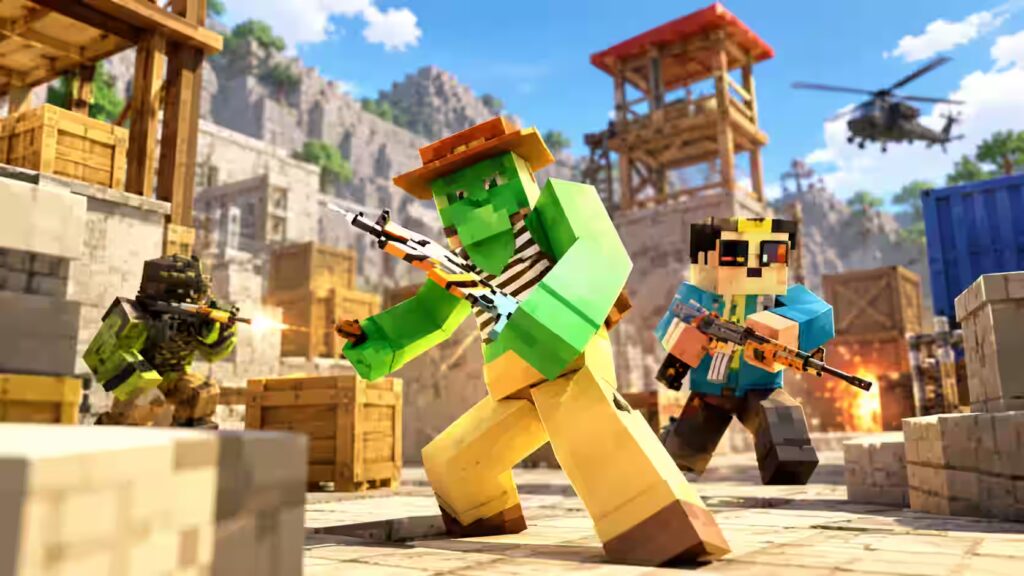
Krunker.io is one of the best-known browser-based FPS games, combining block-style graphics with extremely quick multiplayer shooting.
Matches are generally short and movement is fast, making accuracy only part of the challenge. Players also need to understand positioning, movement and when to engage or retreat from an opponent.
Different character classes can change how a match feels because weapons may favour close-range attacks, long-range sniping or more balanced combat.
Krunker.io also appears among the site’s collection of IO unblocked games, alongside other competitive browser titles.
How to Play: Enter a match, select an available class and move around the map looking for opposing players. Eliminate opponents and complete the objective attached to the selected game mode.
Rules: Rules vary between modes. Free-for-all normally rewards individual eliminations, while team modes require players to work together and earn more points than the opposing side.
Controls:
- WASD to move
- Mouse to aim
- Left mouse button to shoot
- Spacebar to jump
- R to reload
- Shift for movement actions such as crouching or sliding where supported
- Number keys or mouse wheel to change weapons
Recommended For: Players who enjoy extremely fast FPS gameplay, competitive multiplayer matches and movement-focused shooting.
2. Bullet Force
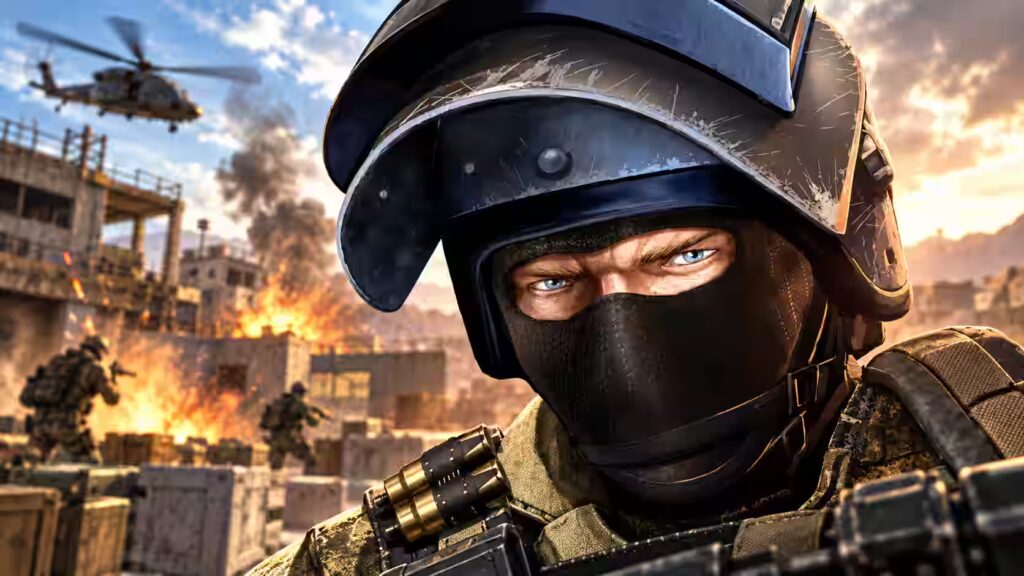
Bullet Force delivers a more traditional military FPS experience, with modern weapons, larger maps and several multiplayer modes.
Compared with very simple browser shooters, the game places more emphasis on weapon selection and loadouts. Players can choose equipment that better suits aggressive close-range combat or slower long-range engagements.
Movement and positioning are particularly important because running directly towards opponents can make players easy targets. Learning the layout of each map can therefore be just as valuable as improving aim.
Bullet Force is also included among the shooter and multiplayer options covered in Unblocked Games 6x.
How to Play: Choose a mode and loadout before entering the battlefield. Move between cover, locate opposing players and use the selected weapon effectively to help your team or increase your individual score.
Rules: The exact objective depends on the mode. Players may need to earn eliminations, capture positions or finish the match with more points than opposing players.
Controls:
- WASD to move
- Mouse to aim
- Left mouse button to fire
- R to reload
- Spacebar to jump
- Shift to sprint
- C to crouch
- Tab to view match information where supported
Recommended For: FPS fans who want a browser shooter with modern weapons, multiple maps, loadouts and more traditional military-style gameplay.
3. Combat Reloaded
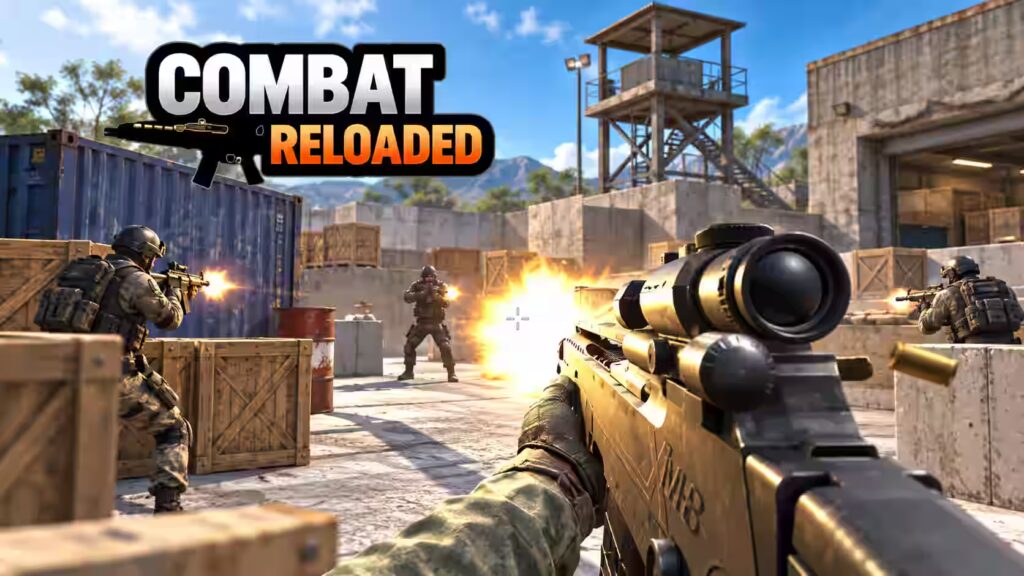
Combat Reloaded is a multiplayer first-person shooter built around quick arena battles and relatively straightforward gunplay.
Players enter compact maps containing open areas, corridors and cover positions. Constantly checking these areas is important because opponents can appear from several directions.
Different weapons suit different situations. Rifles generally provide flexibility, while sniper-style weapons reward careful positioning and accurate long-distance shots.
Combat Reloaded is also featured in Unblocked Games 66 alongside several other browser shooting games.
How to Play: Join an available match and move through the arena while searching for opposing players. Aim carefully, use cover and score eliminations before the opposing side reaches the required score.
Rules: Matches can include team battles or individual competition. Players should avoid remaining exposed for too long and use the map to create better shooting angles.
Controls:
- WASD to move
- Mouse to aim
- Left mouse button to shoot
- R to reload
- Spacebar to jump
- Shift may be used for faster movement
- Number keys may change weapons
Recommended For: Players looking for a straightforward multiplayer FPS where aiming, map knowledge and quick reactions matter more than complicated progression systems.
4. Shell Shockers
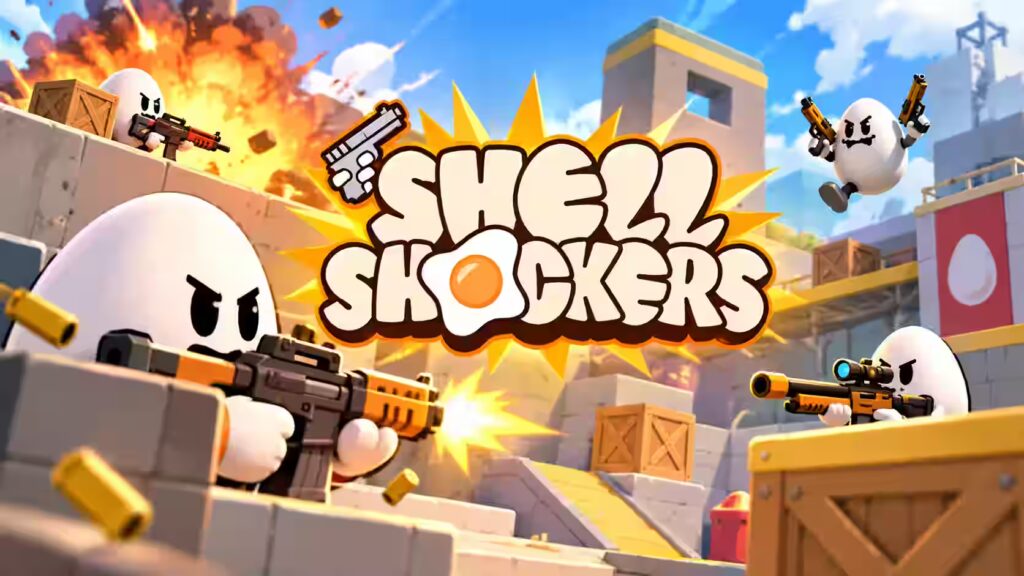
Shell Shockers takes the normal competitive FPS formula and gives it a deliberately unusual theme: players control armed eggs fighting against other armed eggs.
Behind the humorous appearance is a genuine first-person shooter. Players still need to aim accurately, manage ammunition and move unpredictably to prevent opponents from getting an easy shot.
Weapon choice can significantly affect strategy. A player using a close-range weapon normally needs to close the distance, while rifles and sniper-style weapons allow a more cautious approach.
Players can find Shell Shockers alongside other browser games in the site’s Unblocked Games 76 collection.
How to Play: Enter a multiplayer match, select the available weapon or class and search the map for opponents. Shoot opposing eggs while moving between cover and avoiding incoming attacks.
Rules: Earn eliminations according to the selected match type. Running out of health causes the character to be eliminated or “cracked”, after which the player normally respawns.
Controls:
- WASD to move
- Mouse to aim
- Left mouse button to fire
- R to reload
- Spacebar to jump
- Shift for aiming or precision controls where supported
- Q may be used for grenades in supported versions
Recommended For: Players who want genuine FPS mechanics but prefer colourful, unusual and less serious visual design.
5. Masked Forces
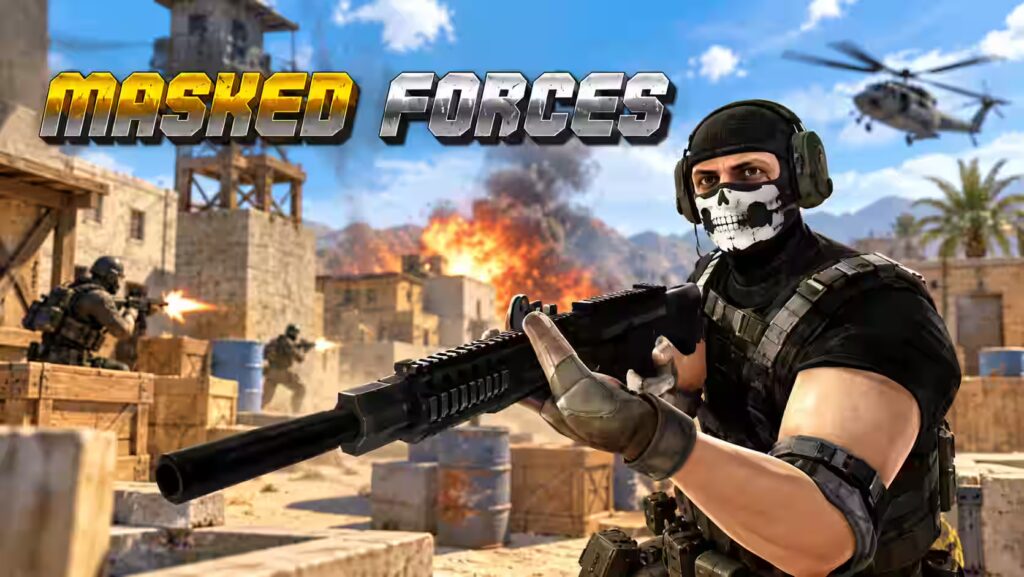
Masked Forces is a first-person shooting game focused on quick multiplayer combat using modern firearms and compact battle arenas.
The gameplay is relatively easy to understand. Players enter a map, locate enemies and try to build their score while avoiding unnecessary deaths.
Its simplicity can make the first few matches accessible, but stronger players will normally take advantage of cover, map routes and weapon range instead of simply running towards every opponent.
How to Play: Select the available game mode and enter the arena. Move through the environment, find opposing players and use weapons to score eliminations.
Rules: Avoid enemy fire and pay attention to the match objective. In team modes, eliminating opponents helps the overall team score rather than only the individual player.
Controls:
- WASD to move
- Mouse to look and aim
- Left mouse button to fire
- R to reload
- Spacebar to jump
- Shift to sprint where supported
- Number keys to select weapons
Recommended For: Casual FPS players looking for quick matches, simple objectives and familiar keyboard-and-mouse shooter controls.
6. Pixel Gun Apocalypse
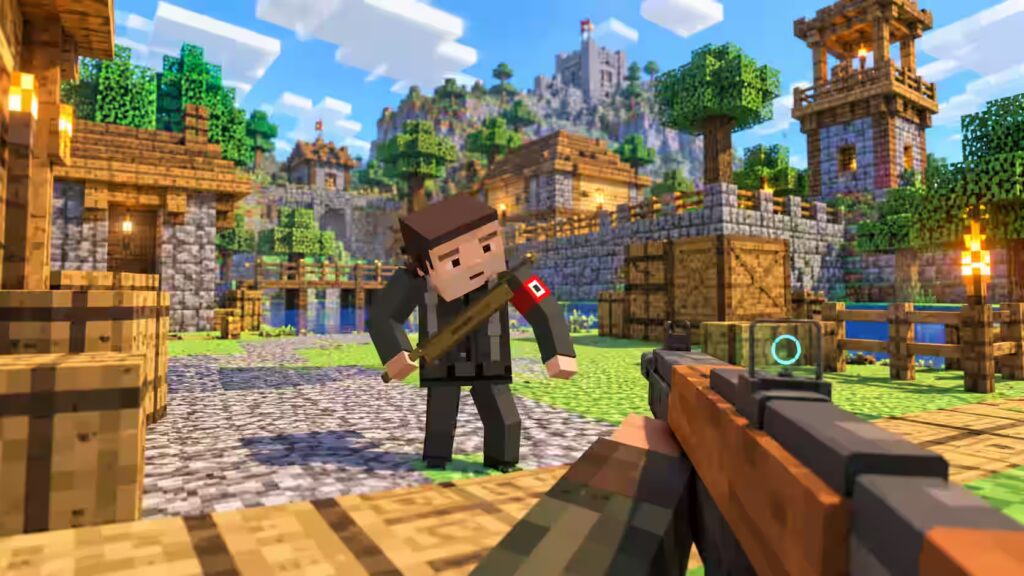
Pixel Gun Apocalypse combines first-person shooting with a block-based visual style that will feel familiar to players who enjoy voxel games.
The simplified graphics do not remove the competitive element. Players still need to track opponents, control recoil and decide which areas of the map offer useful cover.
Different versions may include conventional team battles as well as zombie-themed modes, creating more variety than a basic deathmatch-only shooter.
How to Play: Choose an available match or mode and move through the block-style environment searching for enemies. Use the equipped firearms to eliminate targets while keeping track of health and ammunition.
Rules: Complete the objective associated with the selected mode. In multiplayer battles this usually means defeating opposing players, while zombie modes can focus more heavily on survival.
Controls:
- WASD to move
- Mouse to aim
- Left mouse button to shoot
- R to reload
- Spacebar to jump
- Shift to sprint where available
- Number keys to change weapons
Recommended For: Players who like Minecraft-style environments but want the faster pace and weapon mechanics of a multiplayer FPS.
7. Skill Warz
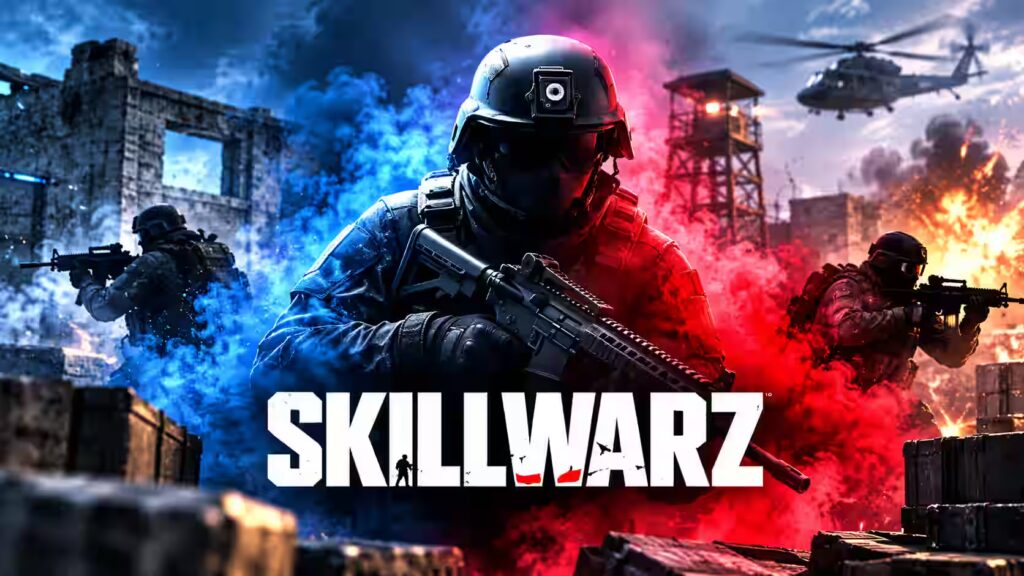
Skill Warz is designed around fast first-person firefights where movement and accurate shooting need to work together.
Its maps encourage players to keep moving rather than wait in one position. Corners, passages and open spaces can quickly turn into combat areas as opponents move around the arena.
Weapon switching is also important. A weapon suited to an open section of the map may become less effective when the fight moves into a narrow indoor area.
Skill Warz is also included in Gaming ClickDo’s wider guide to shooting games unblocked.
How to Play: Enter an available game mode, spawn into the map and search for opponents. Use movement, positioning and accurate shooting to earn points and improve the match score.
Rules: Players must follow the objective of the active mode. Depending on the match, this can involve individual eliminations, team scores or weapon-based progression.
Controls:
- W to move forward
- A to move left
- S to move backwards
- D to move right
- Mouse to aim and shoot
- Spacebar to jump
- R to reload
- Number keys to switch weapons
Recommended For: Players who prefer fast, competitive FPS matches where mechanical skill, movement and reaction speed have a major influence on performance.
8. Fragen
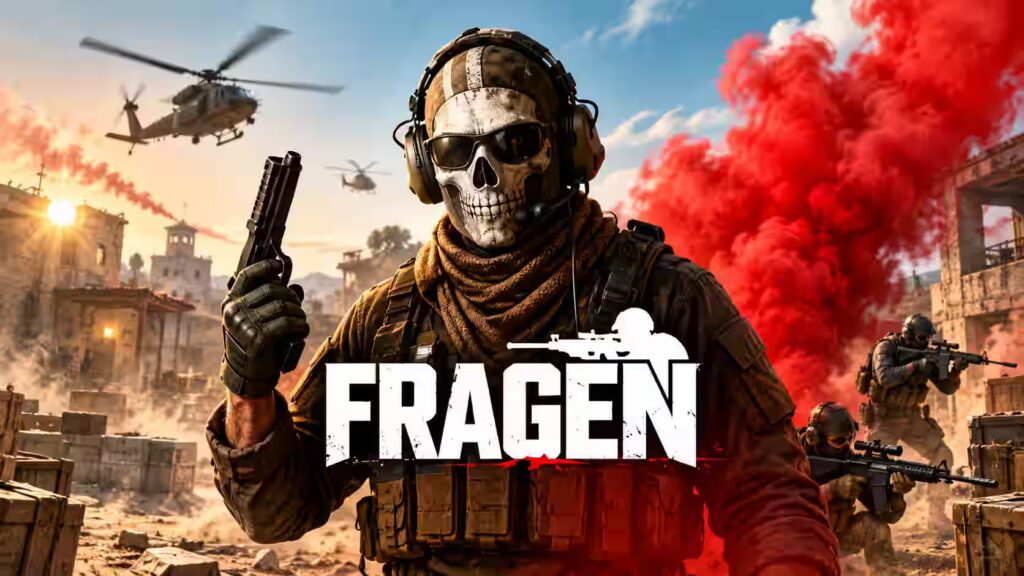
Fragen takes a somewhat more tactical approach to browser FPS combat, encouraging players to consider positioning rather than relying entirely on aggressive movement.
A player who watches entrances, controls useful parts of the map and predicts enemy movement can often create better opportunities than someone constantly rushing forward.
Accuracy also matters because badly timed shots can reveal a player’s position while leaving them vulnerable during a reload.
How to Play: Spawn into the combat area and move carefully between different sections of the map. Locate opponents, use cover when possible and fire when there is a clear opportunity.
Rules: Eliminate opposing players while protecting your own health. Matches may use a score or time limit, so efficient eliminations can be more useful than repeatedly taking unnecessary risks.
Controls:
- W to move forward
- A to move left
- S to move backwards
- D to move right
- Mouse to aim and fire
- R to reload
- Spacebar to jump
- Shift to sprint
Recommended For: Players who enjoy FPS games where aim, positioning, patience and understanding the battlefield are all important.
9. Command Strike FPS
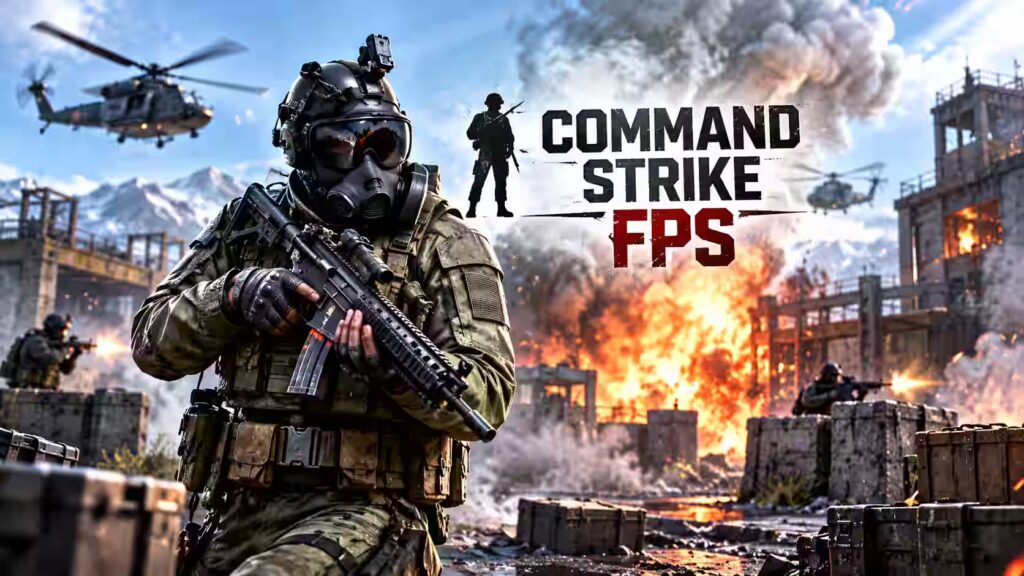
Command Strike FPS is a military-style first-person shooter influenced by traditional tactical multiplayer games.
Rather than treating every match purely as a race for eliminations, some modes can include objectives that make positioning and teamwork more important.
The combination of narrow passages, open areas and cover means players need to think about where an opponent is likely to appear before moving into an exposed position.
How to Play: Choose an available mode and enter the map. Work through the environment while watching likely enemy positions, completing objectives and eliminating opponents.
Rules: Follow the objective shown for the match. Depending on the version or mode, victory may require earning more eliminations, completing a team objective or defeating the opposing side within a limited round.
Controls:
- WASD to move
- Mouse to aim
- Left mouse button to shoot
- R to reload
- E to interact where required
- Shift for movement controls
- Spacebar to jump
- Number keys may select weapons
Recommended For: Players who enjoy tactical military shooters and want something closer to objective-based FPS gameplay rather than purely arcade-style combat.
10. Halo
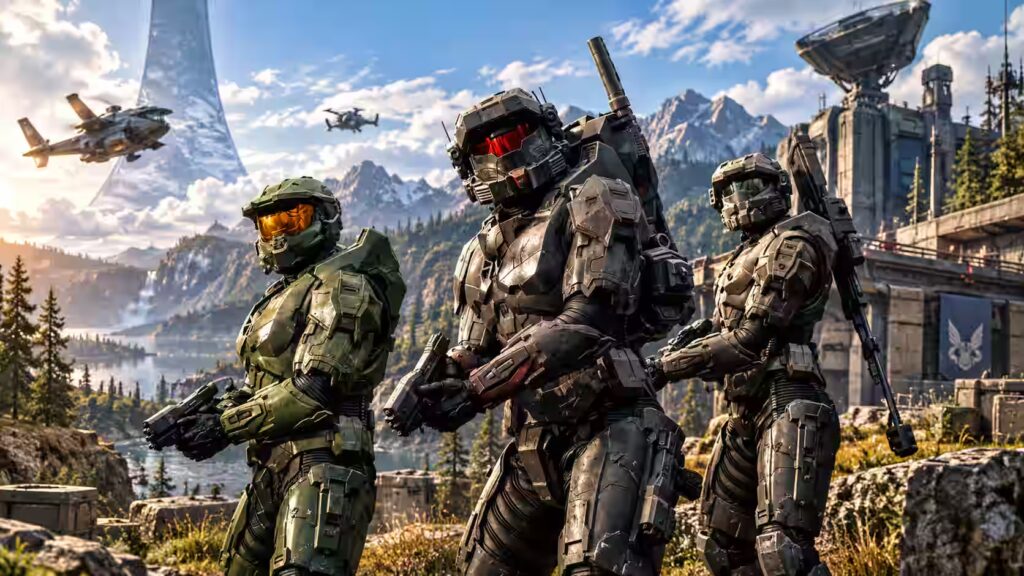
Halo-inspired browser games bring futuristic weapons and sci-fi combat into a simplified format designed around quick shooting sessions.
Rather than recreating the full campaigns and systems of the main Halo games, browser versions associated with the name generally concentrate on movement, weapons and defeating enemies.
Quick reactions remain important because players have to move through the environment while keeping their weapon aimed towards potential threats.
How to Play: Move through the available level or battle area while locating opponents and attacking them with the available weapons. The objective can vary according to the particular browser version being played.
Rules: Avoid incoming attacks while maintaining control of movement and weapons. Depending on the version, players may need to defeat all enemies, achieve a particular score or survive until an objective is completed.
Controls:
- WASD or arrow keys to move
- Mouse to aim
- Left mouse button to shoot
- Spacebar to jump where supported
- R to reload where required
- Number keys may switch weapons
Recommended For: Players who enjoy sci-fi FPS games, futuristic weapons and quick reaction-based shooting challenges.
What Makes a Good Unblocked FPS Game?
A good browser FPS should feel responsive even without the hardware demands of a large desktop game.
The strongest games normally combine simple controls with enough variety to keep matches interesting. Weapon balance, map design and movement speed can all affect how enjoyable a shooter feels.
Some players may prefer fast games where matches last only a few minutes, while others may enjoy tactical shooters that reward careful positioning and teamwork.
A useful FPS game should generally offer:
- Responsive keyboard and mouse controls
- Clear aiming mechanics
- Multiple weapons or loadouts
- Maps with useful cover and movement routes
- Short loading times
- Different match types where available
- Stable performance in a modern browser
Which FPS Game Is Best for Beginners?
Players new to browser FPS games may find simpler arena shooters easier to understand because the objective is often limited to finding opponents and scoring eliminations.
Games such as Masked Forces, Combat Reloaded and Pixel Gun Apocalypse have relatively straightforward gameplay structures, making it easier to learn basic FPS movement and aiming.
More experienced players may prefer faster or more competitive options such as Krunker.io, where movement speed, map knowledge and reaction time become much more important.
There is no single type of FPS gameplay that suits everyone. Testing different games is usually the easiest way to discover whether tactical, arcade, sci-fi or block-style shooters feel more enjoyable.
How Can Players Improve at Browser FPS Games?
Improving at FPS games usually depends on consistency rather than simply trying to shoot faster.
Players should concentrate on keeping the crosshair near areas where opponents are likely to appear. This reduces the amount of mouse movement required when an enemy enters view.
Movement is equally important. Standing still in an open area makes the player easier to hit, while constantly sprinting without checking corners can lead directly into enemy fire.
A few basic habits can improve performance:
- Keep the crosshair around enemy height
- Learn common routes through each map
- Reload when safely behind cover
- Avoid staying in exposed areas
- Use headphones where appropriate to hear movement
- Learn the effective range of different weapons
- Change position after repeated engagements
Are FPS Games Unblocked Free to Play?
Many browser FPS games can be played for free, although individual games may include optional advertising, cosmetic items or account-based features.
Players should remember that “unblocked” does not mean a game is guaranteed to be accessible on every network. Schools, workplaces and other managed networks can apply their own restrictions to gaming websites.
Games should therefore only be played where browser gaming is permitted.
FAQs About FPS Games Unblocked
What are FPS games unblocked?
FPS games unblocked are browser-based first-person shooter games that focus on aiming, movement, weapons and combat without requiring large downloads.
Are FPS games unblocked free to play?
Many browser FPS games are free to play, although some may include optional advertisements, cosmetic items or account features.
Can FPS games unblocked be played in a browser?
Yes. Most are designed to run directly in modern web browsers, although performance and availability can vary by device and network.
What are the usual controls for FPS games?
Most FPS games use WASD for movement, the mouse for aiming, the left mouse button for shooting and keys such as R, Shift and Space for additional actions.
Which FPS games are good for beginners?
Games with simple objectives and straightforward controls, such as Combat Reloaded or Masked Forces, can be easier for new FPS players to understand.
Do FPS games unblocked include multiplayer modes?
Yes. Many FPS browser games include multiplayer modes such as team battles, free-for-all matches and objective-based combat.
Why might an unblocked FPS game not open?
A game may fail to load because of browser compatibility, network restrictions, blocked scripts or changes to the game’s hosting platform.