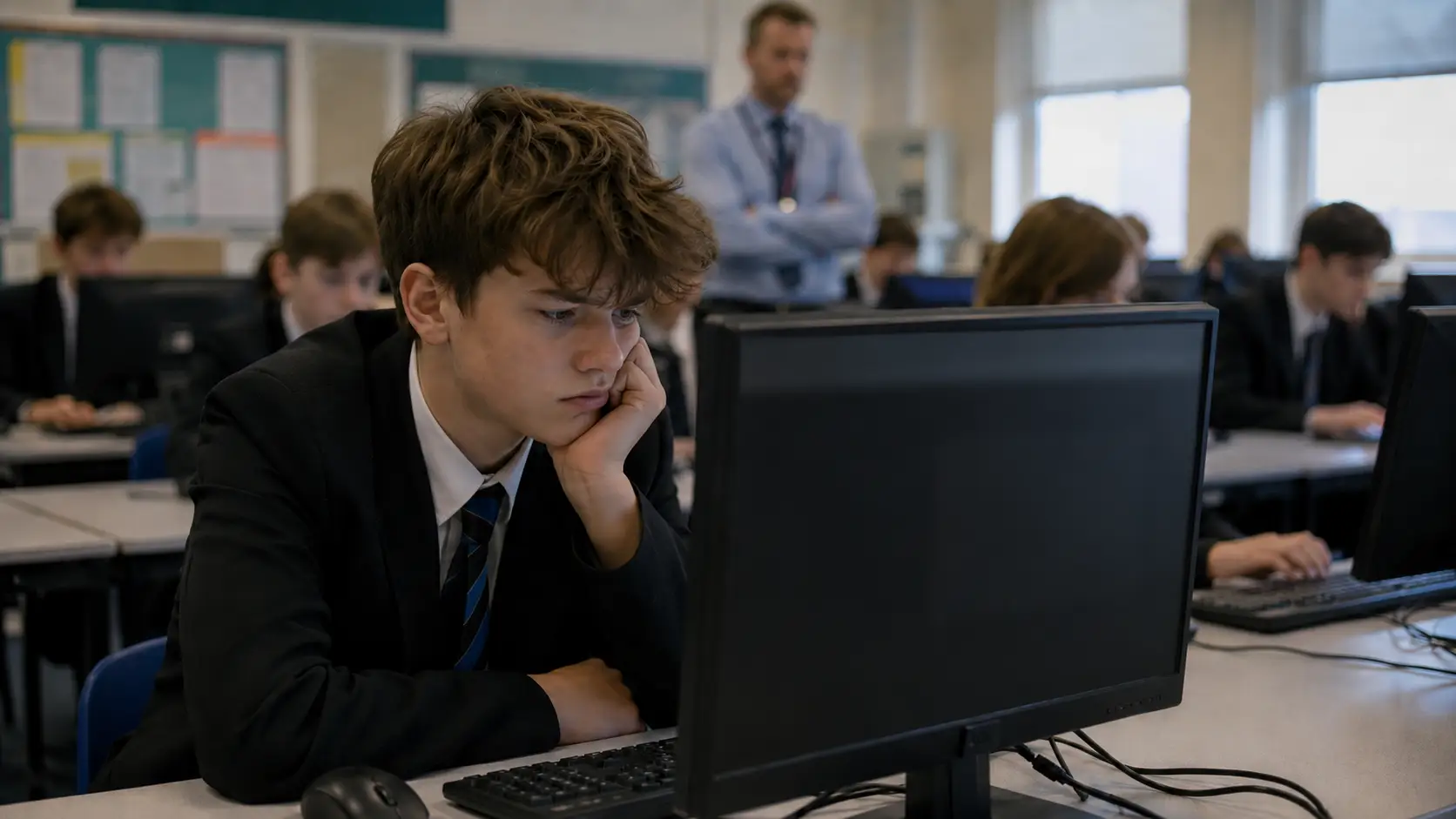
Roblox can be unblocked at school when access is approved and set up by authorised IT staff. Students should not use proxies, VPNs, anti-detect browsers, unofficial cloud-gaming sites or portable apps to bypass blocks.
A “no download” option is not automatically safe or allowed. It may route the game or login through a third-party service, which the school can still restrict and which may collect account, device or browsing data.
The safest approach depends on why Roblox is unavailable. Respect deliberate restrictions. Report genuine connection issues to a teacher or IT staff. If needed for a project, request access through the school’s approval process.
Key highlights:
- Technical access does not equal school permission.
- A school Chromebook, iPad or MacBook may be controlled through both device-management software and network filtering.
- “No download” Roblox services can still involve third-party accounts, advertising and data processing.
- Incognito mode does not disable school network or device monitoring.
- Approved Roblox Studio projects can support coding, game design and digital creativity.
- UK schools are expected to maintain appropriate filtering and monitoring arrangements.
- Students should never enter Roblox credentials on an unfamiliar “unblocked” website.
Why Is Roblox Blocked at School in 2026?
Schools may block Roblox to protect teaching time, control network demand, reduce cybersecurity risks and support their safeguarding responsibilities.
Roblox includes multiplayer experiences, communication features, user-generated content and software updates, all of which may require additional assessment in an education environment.
A failed connection does not always mean that Roblox has been deliberately blocked.
Access diagnosis:
| What the student sees | Likely explanation | Appropriate response |
| School-branded access-denied page | Intentional filtering rule | Ask whether access is permitted |
| App installation disabled | Managed-device restriction | Contact a teacher or IT support |
| Update or version error | Outdated application | Let an authorised administrator update it |
| Connection timeout | Network, firewall or service issue | Report the exact error |
| Roblox works at home but not at school | School network or account restriction | Check the acceptable-use policy |
Different access rules may apply to pupils, teachers, sixth-form students, clubs or specific lessons. A school may therefore permit Roblox Studio for a supervised computing project while continuing to block recreational gaming elsewhere.
Can Roblox Be Unblocked at School with No Download or VPN?
A no-download method does not automatically unblock Roblox safely. It normally means that the game is being streamed, proxied or accessed through a browser-based third party rather than installed directly on the school device.
What Does “No Download” Actually Mean?
The phrase “no download” can describe several different ways of accessing Roblox without installing the official application.
Depending on the platform, it may refer to:
- A cloud-gaming service running the software remotely
- A browser proxy forwarding traffic through another server
- A mirror page displaying access to another platform
- A portable application running without a standard installation
- A third-party login page asking for Roblox account details
These methods do not create school permission. They may also introduce an additional company between the student and the game.
Browser Access, Cloud Gaming and now.gg
Searches for “Roblox unblocked at school no download” often lead to cloud-gaming services such as now.gg. Cloud gaming runs an application on a remote computer and streams the result to the browser.
This may avoid a local installation, but it does not avoid the school’s acceptable-use policy. The cloud-gaming domain may itself be blocked, and the service may process login information, usage data, device details or advertising identifiers.
Official troubleshooting information also states that virtual machines and cloud-based computers are not supported environments for Roblox.
Why Does “Without a VPN” Not Automatically Mean Permitted?
The phrase “without a VPN” does not automatically mean that accessing Roblox is allowed under a school’s policies. Students may still bypass network restrictions using other methods that do not involve a VPN.
Examples include:
- Proxy websites
- Mirror pages
- Browser extensions
- Portable browsers
- Personal hotspots
- Remote gaming or cloud-gaming services
The key issue is not whether a VPN was used, but whether the access method was authorised by the school. Browser-based access should therefore not be viewed as a loophole or as evidence that permission has been granted.
How Can Roblox Work on a School Chromebook Without now.gg?
A compatible Chromebook can run the Android version of Roblox when the operating system is supported and access to the Play Store has been enabled.
The current official Chromebook system requirements state that ChromeOS version 53 or above is required and that the Play Store must be enabled.
For Roblox to work on a Chromebook, the following conditions generally apply:
- The Chromebook supports ChromeOS version 53 or above.
- Google Play Store access is enabled.
- The device is compatible with the Android version of Roblox.
- A teacher confirms there is a valid educational need.
- School IT verifies compatibility and safeguarding requirements.
- An administrator enables the app for the approved users or classes.
On most school-managed Chromebooks, students cannot change administrator settings, enable the Play Store, or install apps independently. They should also avoid using developer mode, Linux features or unofficial app stores to bypass restrictions.
Technical compatibility determines whether the device can run Roblox, while school policy decides whether students may use it.
Can Roblox Be Used on a School iPad, iOS Device or MacBook?
Roblox can run on compatible Apple devices, including iPads, iPhones and MacBooks, but access in a school environment depends on both device compatibility and school policies.
As last checked on 16 July 2026, the Roblox mobile app requires iOS 14 or iPadOS 14 or later, while Mac users typically launch experiences through the Roblox Player rather than a fully browser-based version.
On school-managed Apple devices, administrators may restrict the App Store, software installation, account sign-ins or network access through mobile device management (MDM).
Although using mobile data or a personal hotspot may bypass school Wi-Fi, it can still breach school rules or acceptable-use policies during lessons or on school premises.
How Can a School Authorise Roblox Safely for Learning?
A school can approve Roblox or Roblox Studio when it has a defined learning purpose, suitable supervision and a proportionate technical and safeguarding plan.
Approved Educational Uses for Roblox Studio
Roblox Studio may be considered for coding, game design, interactive storytelling, digital citizenship or supervised enrichment activities. The purpose should be educational and measurable rather than simply providing unrestricted gaming time.
For example, a computing teacher might ask Year 9 pupils to build a basic interactive environment. The teacher would define the learning outcomes, identify suitable accounts and experiences, and request technical approval before the lesson.
Who Should Authorise Network and Device Changes?
The decision may involve the subject teacher, IT manager, designated safeguarding lead and a member of senior leadership. The exact process will depend on the school.
The official education network troubleshooting guidance is intended for administrators. It recommends updating Roblox at least weekly and recognises that updates may need to be scheduled by school staff.
In a controlled deployment, IT can limit access to selected users, devices or lesson periods rather than weakening filtering across the entire school. That approach supports the educational activity while preserving broader network protections.
Why Are Roblox Unblocked Sites, Proxies, VPNs and Anti-Detect Browsers Risky?
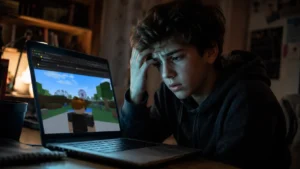
Third-party unblockers can expose students to account theft, unknown data collection, intrusive advertising or unauthorised software. They may also trigger school security alerts or disciplinary procedures.
Principal risks:
- Fake login pages may capture usernames, passwords or authentication codes.
- “Free Robux” offers may be used to obtain credentials or personal details.
- Browser extensions may request access to browsing data or website content.
- Proxy operators can process traffic passing through their servers.
- Modified clients may interfere with platform security controls.
- Anti-detect browsers are designed to disguise device or browser information.
- Portable software can introduce files that have not been approved by school IT.
Two-step verification can reduce the risk of account takeover if a password is compromised, but it does not make an unofficial unblocker trustworthy.
Access-method comparison:
| Method | Local download | Creates permission | Main concern |
| School-approved official application | Usually | Yes, when formally approved | Account and classroom management |
| Administrator resolves a technical fault | No student action | Yes | Correct configuration |
| Cloud-gaming portal | Usually not | No | Third-party data and policy issues |
| Browser proxy | Usually not | No | Traffic interception and phishing |
| VPN | Usually | No | Evasion and data-handling risks |
| Anti-detect or portable browser | Usually | No | Unauthorised software and concealment |
“No download”, “anonymous” and “undetectable” are marketing descriptions, not guarantees of safety, privacy or permission.
What UK School Rules Apply to Roblox Access in 2026?
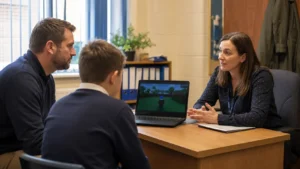
UK schools and colleges are expected to maintain filtering and monitoring arrangements that support online safety without unnecessarily obstructing legitimate teaching.
Current Filtering and Monitoring Duties
The stated aim of the official school filtering and monitoring standard is to “provide a safe online environment for your school or college”.
The standard says filtering and monitoring should reflect the needs of students and staff and should be reviewed at least once during every academic year. Schools should also assign clear responsibilities to leadership, safeguarding and IT personnel.
What Changes on 1 September 2026?
Schools must continue using Keeping Children Safe in Education 2025 until 31 August 2026. The 2026 edition is currently published for information and comes into force on 1 September 2026.
The updated position strengthens the expectation that schools and colleges review and check filtering and monitoring systems at least annually. It does not specifically ban Roblox, nor does it give students a general right to access gaming platforms.
Permission, Acceptable-Use Policies and Possible Consequences
Successfully reaching Roblox does not override the school’s acceptable-use policy. Attempting to evade a restriction may result in loss of network privileges, parental contact, a behaviour sanction or an IT investigation.
That does not mean every attempt to open Roblox is a criminal matter. School-policy breaches and questions of criminal law are different, and any legal assessment would depend on the facts.
Students should therefore follow school instructions and seek appropriate advice rather than relying on claims that a particular workaround is “completely legal”.
What Should Students, Parents and Schools Do When Roblox Is Blocked?
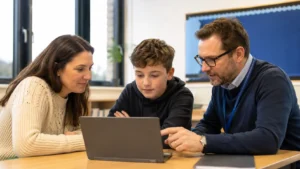
The correct response is to identify whether the block is intentional, whether there is an educational reason for access and whether authorised staff need to investigate a technical fault.
Recommended next steps:
- Students: Read the error message, stop repeated attempts and ask a teacher whether Roblox is allowed.
- Parents: Review the school’s acceptable-use and mobile-device policies before recommending any technical solution.
- Teachers: Define the learning objective and request approval through IT and safeguarding channels.
- IT administrators: Confirm whether the issue is filtering, device management, software updates or a wider connection problem.
- Everyone: Avoid unfamiliar login pages, modified applications, proxies, VPNs and “unblocker” extensions.
- Account holders: Use a unique password and enable two-step verification.
- Schools: Record why access is allowed or restricted and review the arrangement when software, policies or risks change.
When reporting a genuine issue, users should provide the device type, time of the error, the exact message and whether others are affected. This helps IT investigate without encouraging attempts to bypass restrictions.
For UK schools, Roblox unblocked at school should mean authorised access or legitimate troubleshooting. Where there is a genuine educational need, the safest approach is approval through teachers and IT staff.
Conclusion
For UK schools, Roblox unblocked at school should mean authorised access, not a workaround that defeats filtering or device controls.
Students should respect restrictions, avoid proxies, VPNs and unfamiliar login pages, and report genuine errors to teachers or IT staff.
Where Roblox or Roblox Studio supports a clear learning objective, schools can assess the technical, safeguarding and policy requirements before granting limited access.
This balanced approach protects pupils, accounts and networks while allowing supervised educational use where it is appropriate.
Frequently Asked Questions
Who can approve Roblox access in a UK school?
Approval is usually given by a teacher and authorised IT staff. The safeguarding lead or senior leadership may also review requests involving chat features, student accounts or user-generated content.
What does ### mean in Roblox chat?
The hashtags show that Roblox’s chat filter has blocked or replaced a word or phrase. Filtering varies by age, account status and communication settings.
Why is Roblox still blocked after teacher approval?
Access may only be approved for certain classes, users or devices. Firewall settings, device management or delayed IT changes can also keep Roblox blocked.
Can users swear in Roblox Restricted experiences?
Restricted experiences are only for age-verified users aged 18 or over. Some strong language may be allowed, but harassment, threats, discrimination and sexual content remain prohibited.
What is Rule 63 in Roblox?
Rule 63 is an internet meme about gender-swapped fictional characters. It is not an official Roblox rule, and related content may be unsuitable for school devices.
Has Roblox changed 17+ content to 18+?
As July 2026, Restricted experiences require users and creators to be 18+ and age verified. Older references to 17+ access may be outdated.
Can schools see Roblox activity in Incognito mode?
Yes, potentially. Incognito only hides local browsing history and does not bypass school Wi-Fi filters, device management or network monitoring.
Note:
This article explains authorised access, device compatibility, online safety and UK school policies. It does not encourage bypassing school filters, monitoring or acceptable-use rules.
Platform requirements and school policies are different. A compatible device may still be restricted, and a website that is accessible is not necessarily safe or authorised.